
Uploading Data Using the Zip Uploader
Instructions
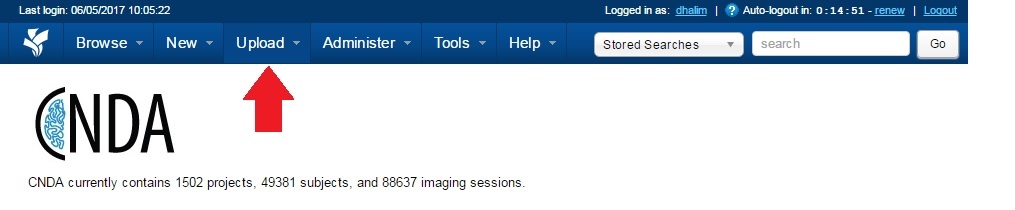
- Click the Upload menu at the top of the CNDA screen.
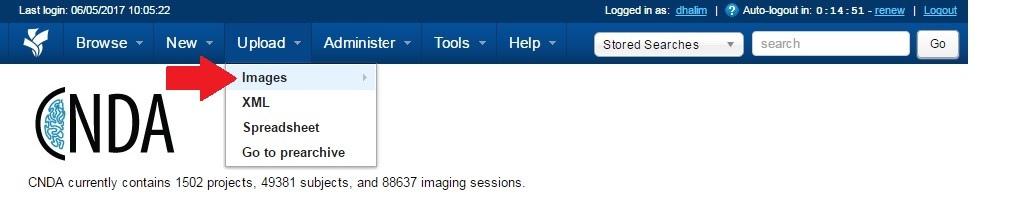
- Select Images.
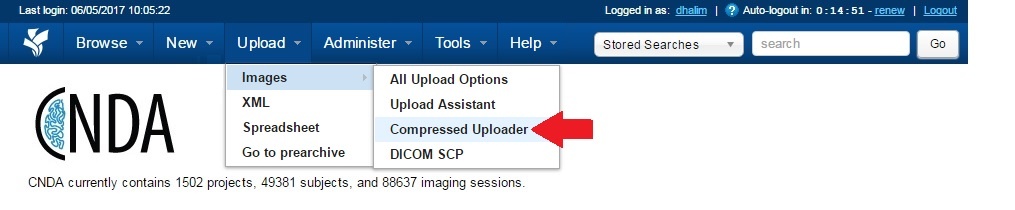
- Click Compress Uploader.
- Choose the Project, Destination and File location.
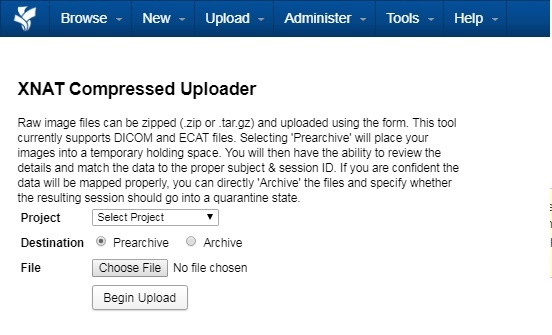
- Click Begin Upload.
- When complete, a message will appear with information on the file's new location.