Setting up Project Favorites
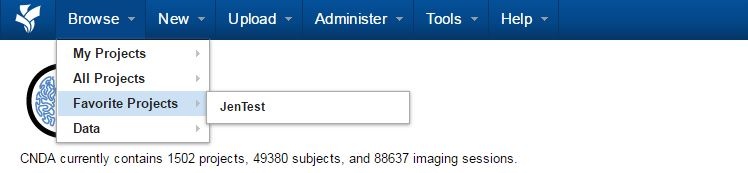
Links to projects can be saved in the Favorites area for ease of access.
Instructions
Add a Project to Your Favorites List
- Open the Project you would like to make a favorite.
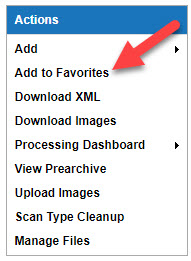
- Click on Add to Favorites from the Actions box near the top right of the screen.
View Your Favorites list
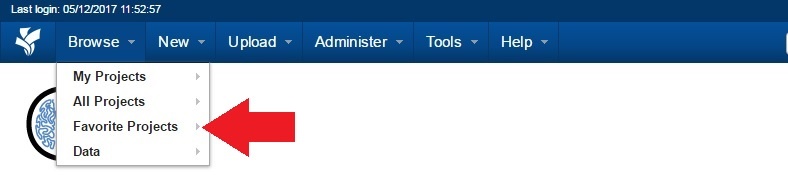
- Click Browse located on the top menu.
- Click Favorite Projects.
- You should see your Favorite Projects listed.