
Creating a New Subject
Instructions
- Log into the CNDA.
- Click the New button near the top of the screen.
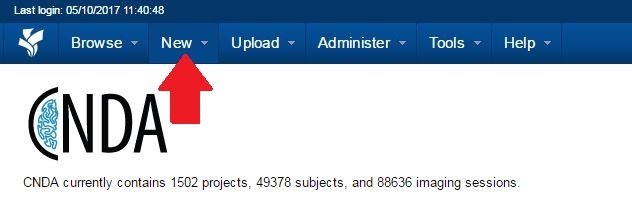
- Click Subject.

- The Enter a new subject form will appear.
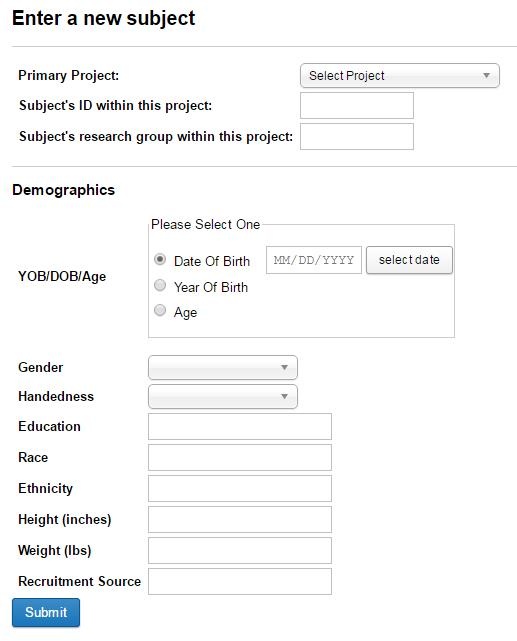
- Select a Project.
- Enter a unique ID for the subject.
- Enter research group within this project.
- Fill in demographic information as needed.
- Click Submit.